The app to charge and pay for your electric car without hassle.
Find chargers near you, check real-time availability and pay for charging from your phone. One app for all operators in Spain and Europe.


Free · No subscription · iOS & Android
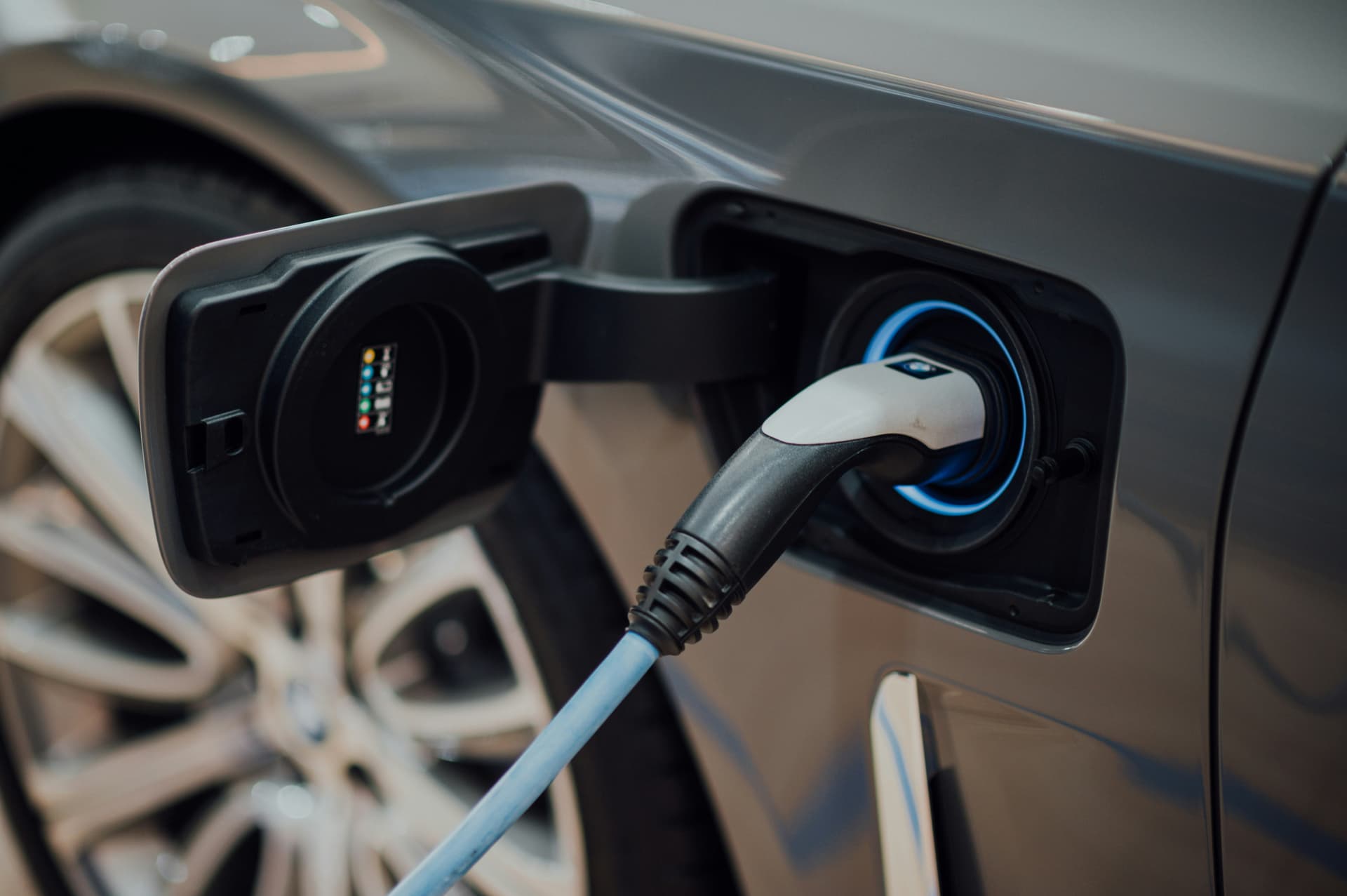
Compatible with the leading charging network operators





Everything you need
to charge your electric car.
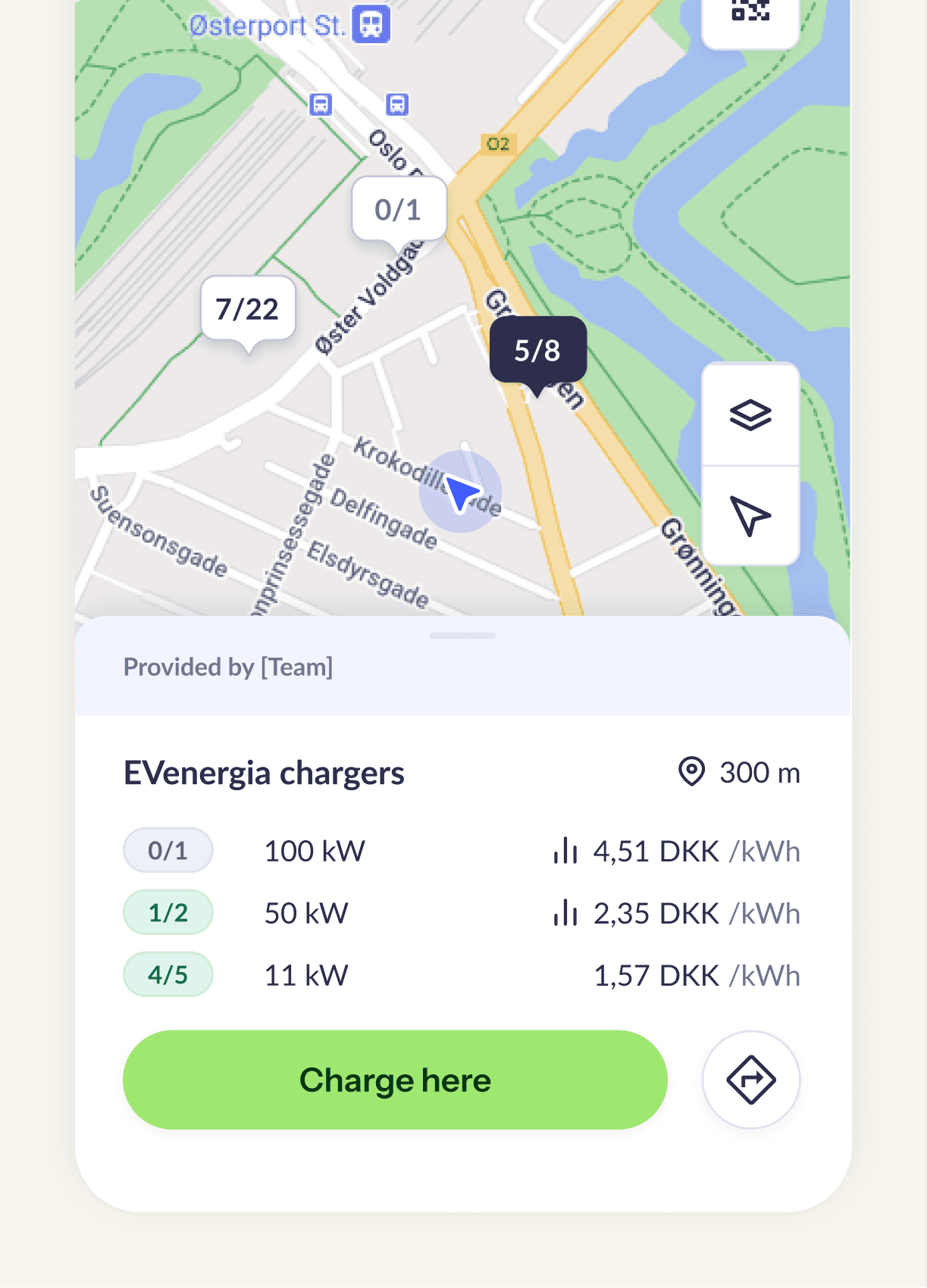
Find chargers near you in real time
More than 80,000 charging points across Spain and Europe, with availability updated instantly. Filter by connector type (CCS, CHAdeMO, Type 2), power output and operator. Know if the charger is free before you leave home.
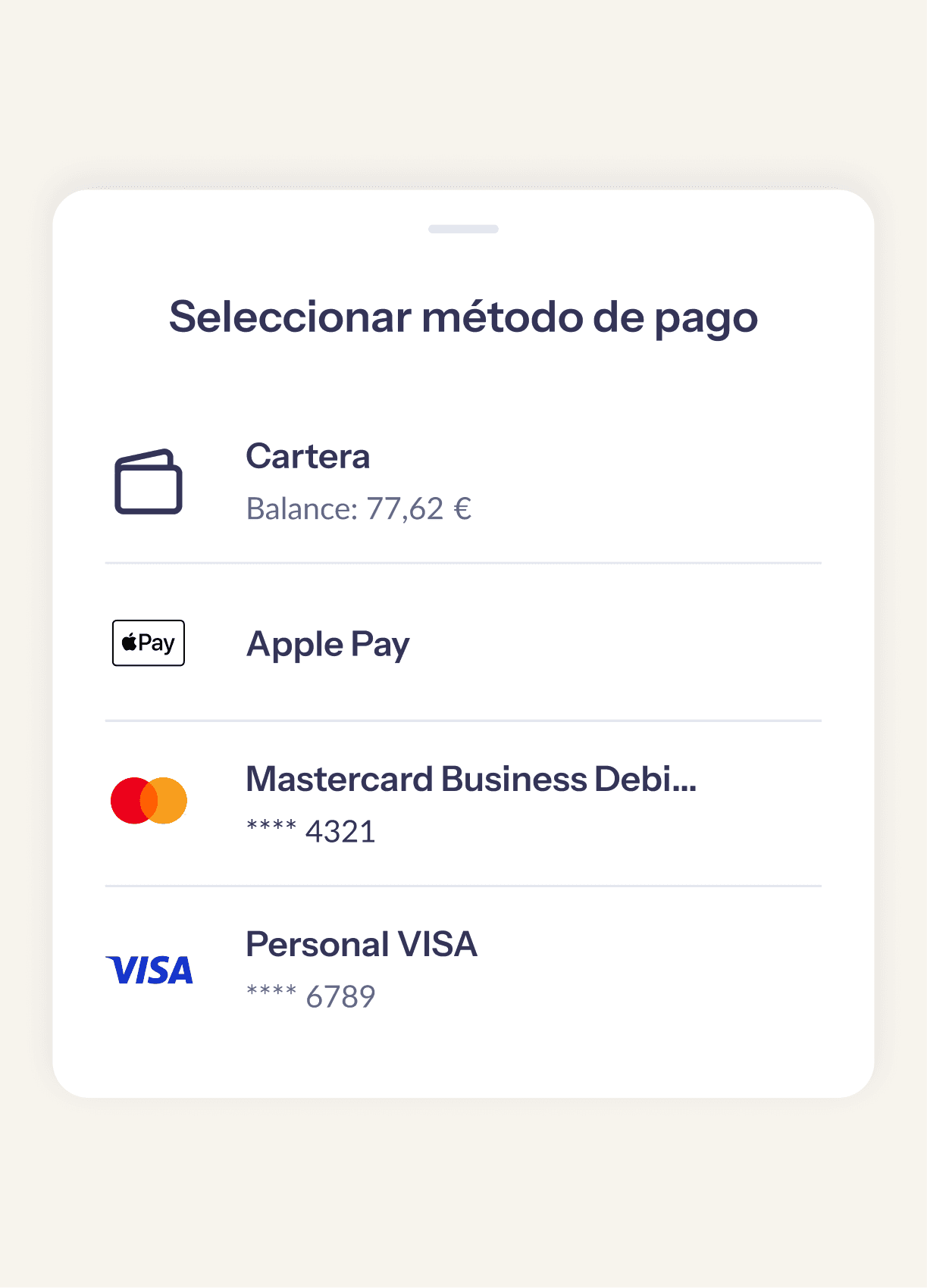
Pay for charging from the app, no physical cards
Forget carrying ten RFID cards in the glove box or downloading each operator's app. With Cargea you start charging by scanning a QR code and pay with a single method: yours.
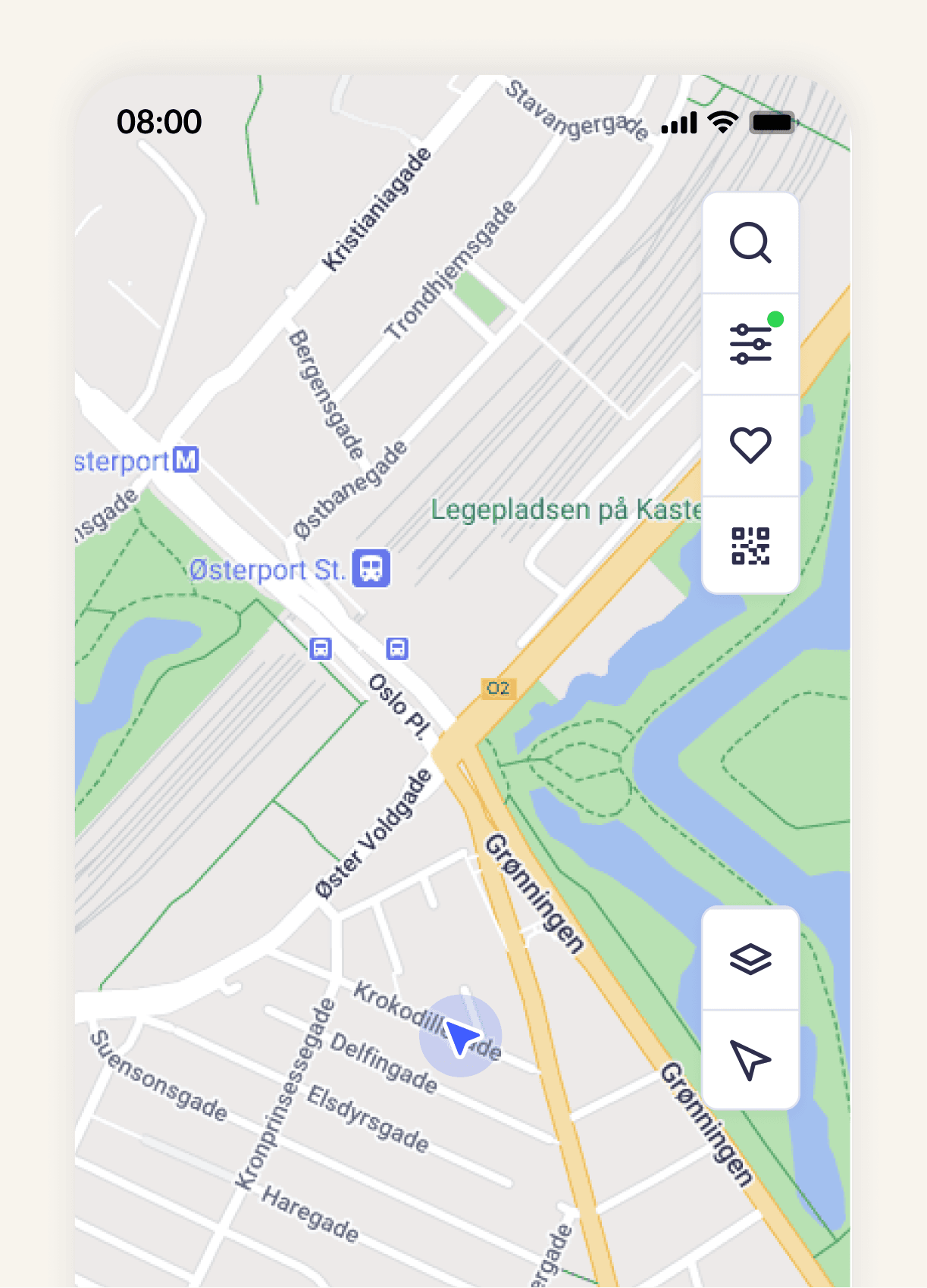
Plan long trips without range anxiety
Enter your car, your charge level and your destination. Cargea calculates the optimal stops based on your vehicle's real range and the power of each charger along the route. Goodbye range anxiety.
Compare prices between operators before charging
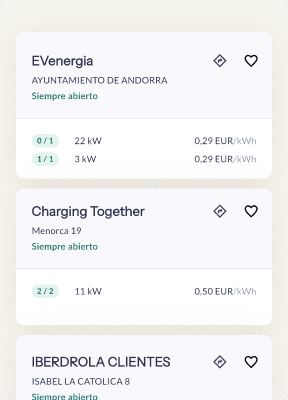
The price per kWh varies a lot between operators: from €0.35 for fast charging to over €0.80 at some ultra-fast points. Cargea shows you the price before you start so you always charge at the best available price.
How to charge your electric car with Cargea.
Find the charger
Open the app and discover nearby charging points on the map. Filter by connector type, power and availability.
Start charging
Arrive at the point, scan the charger's QR code or select it on the map, and connect your car. Charging starts in seconds.
Pay when done
When you're done, you see the exact cost on your phone and pay with your saved payment method. No surprises, no hassle.
Enjoy a perfect charge wherever you are
Cargea travels with you. Hit the road without a worry, backed by a wide network of charging points, transparent pricing and payment straight from your phone.
1. Find your charge
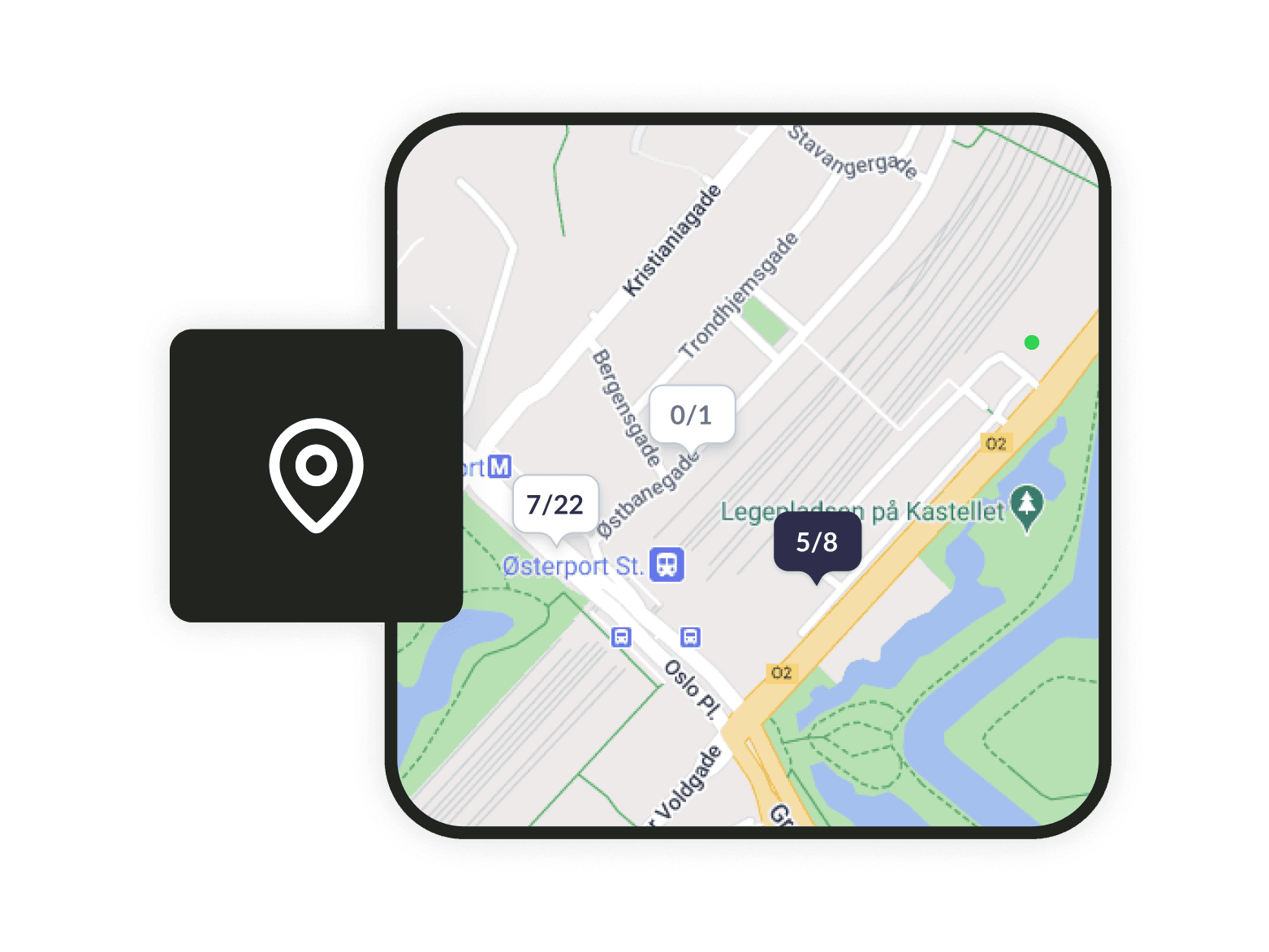
Use the map
Locate any of the 80,000+ public charging points on the Cargea map and start navigation with Google Maps or Apple Maps.
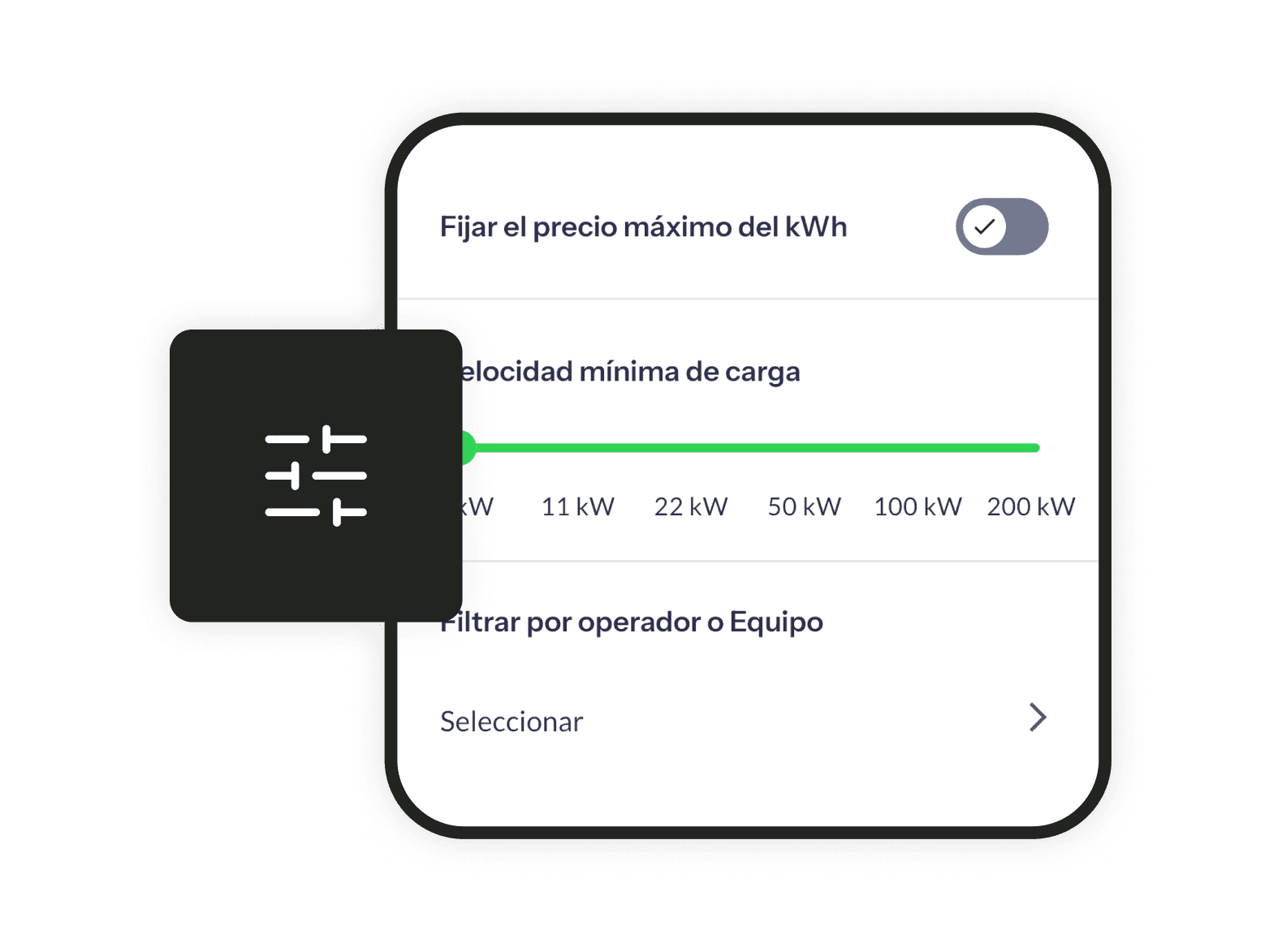
Filter the points
Filter by availability, charging speed (kW), price, operator and the connector type compatible with your car.
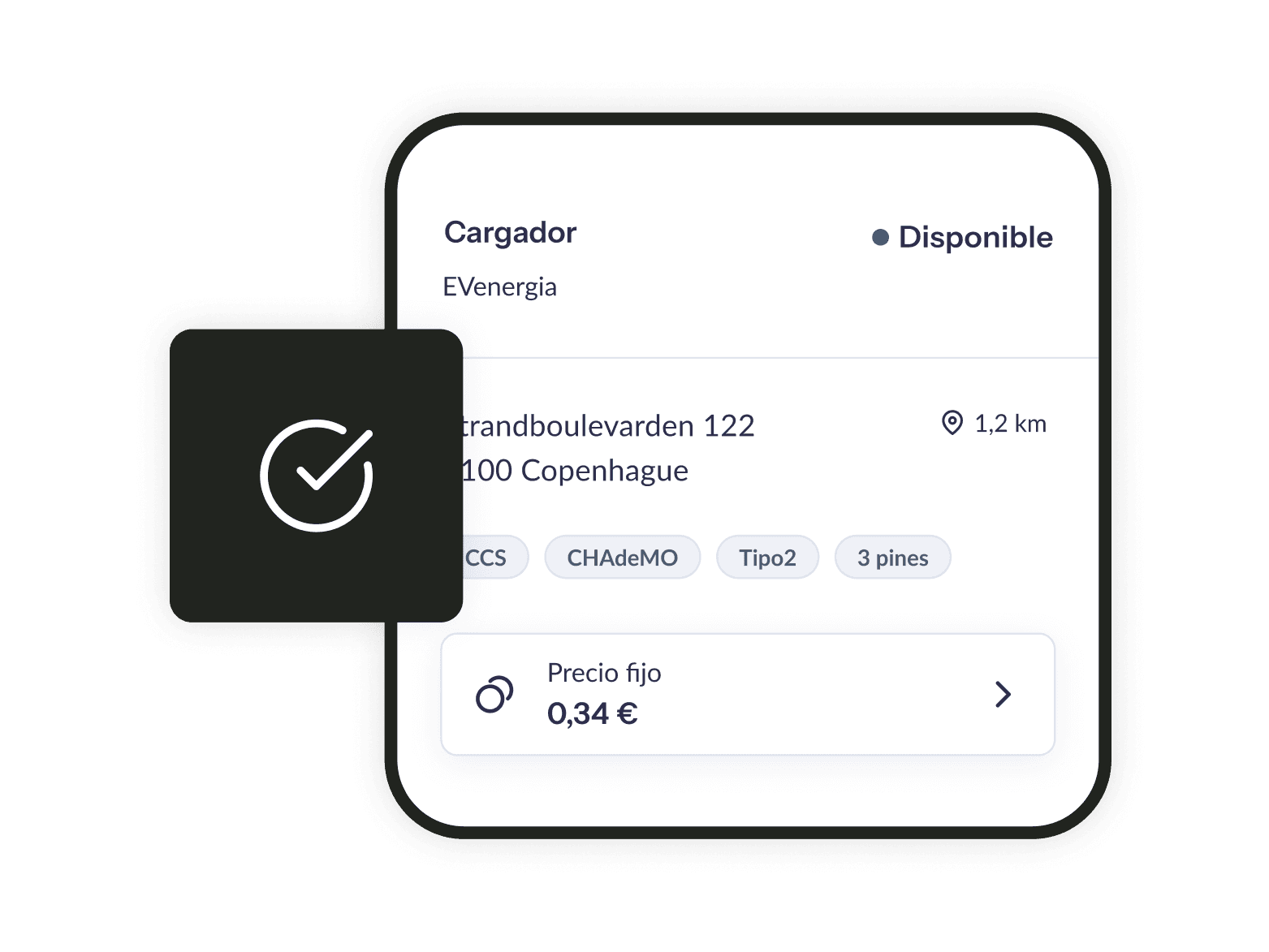
Check availability
See in real time whether a charger is free, in use or out of service before you leave home.
2. Start charging
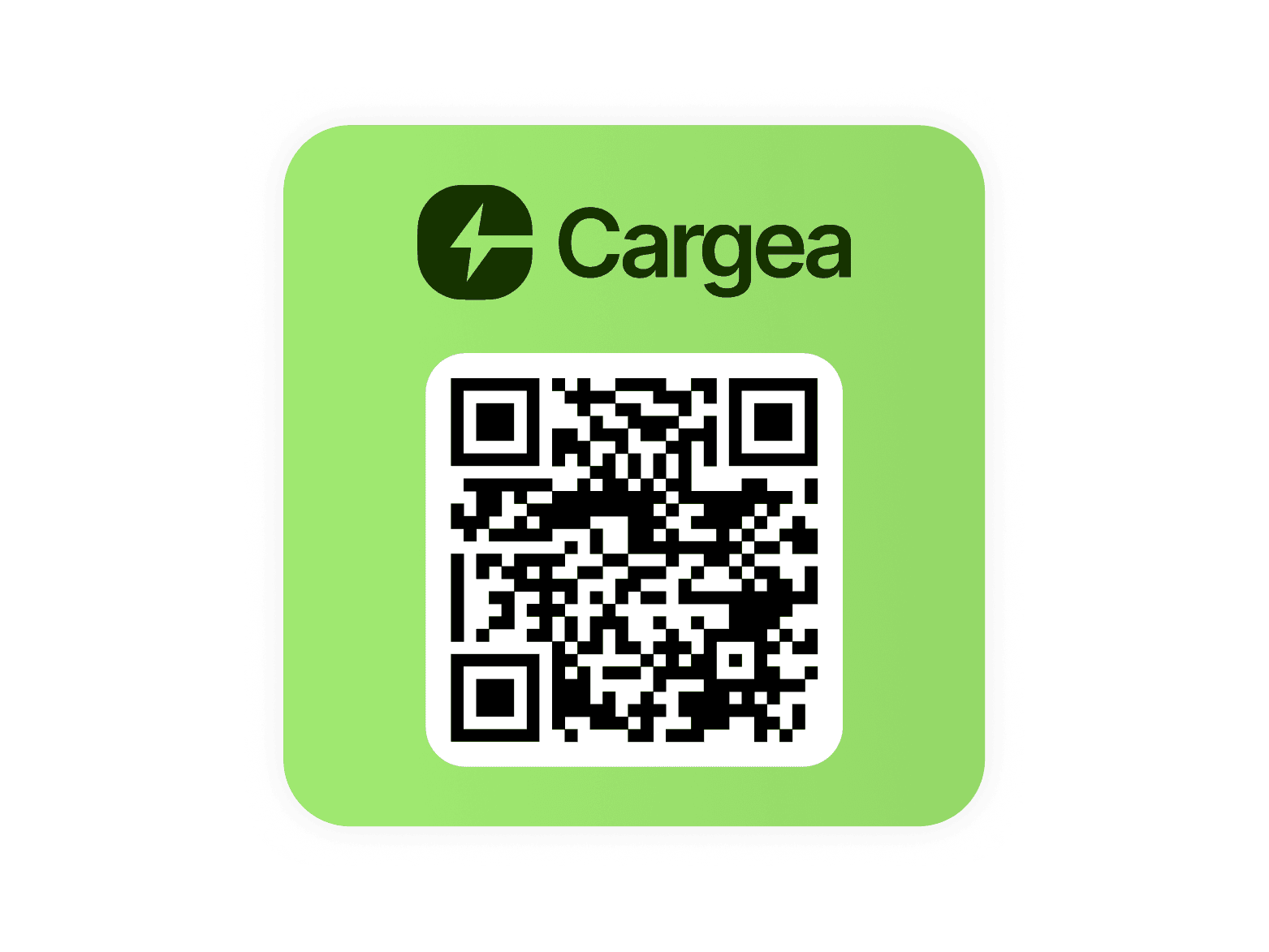
Scan the QR code
Don't have the app installed? Scan the charger's QR code and charge your car without signing up when you're in a hurry.
Start from the app
Pick the charger on the map or tap your RFID card, plug in your car and charging starts in seconds.
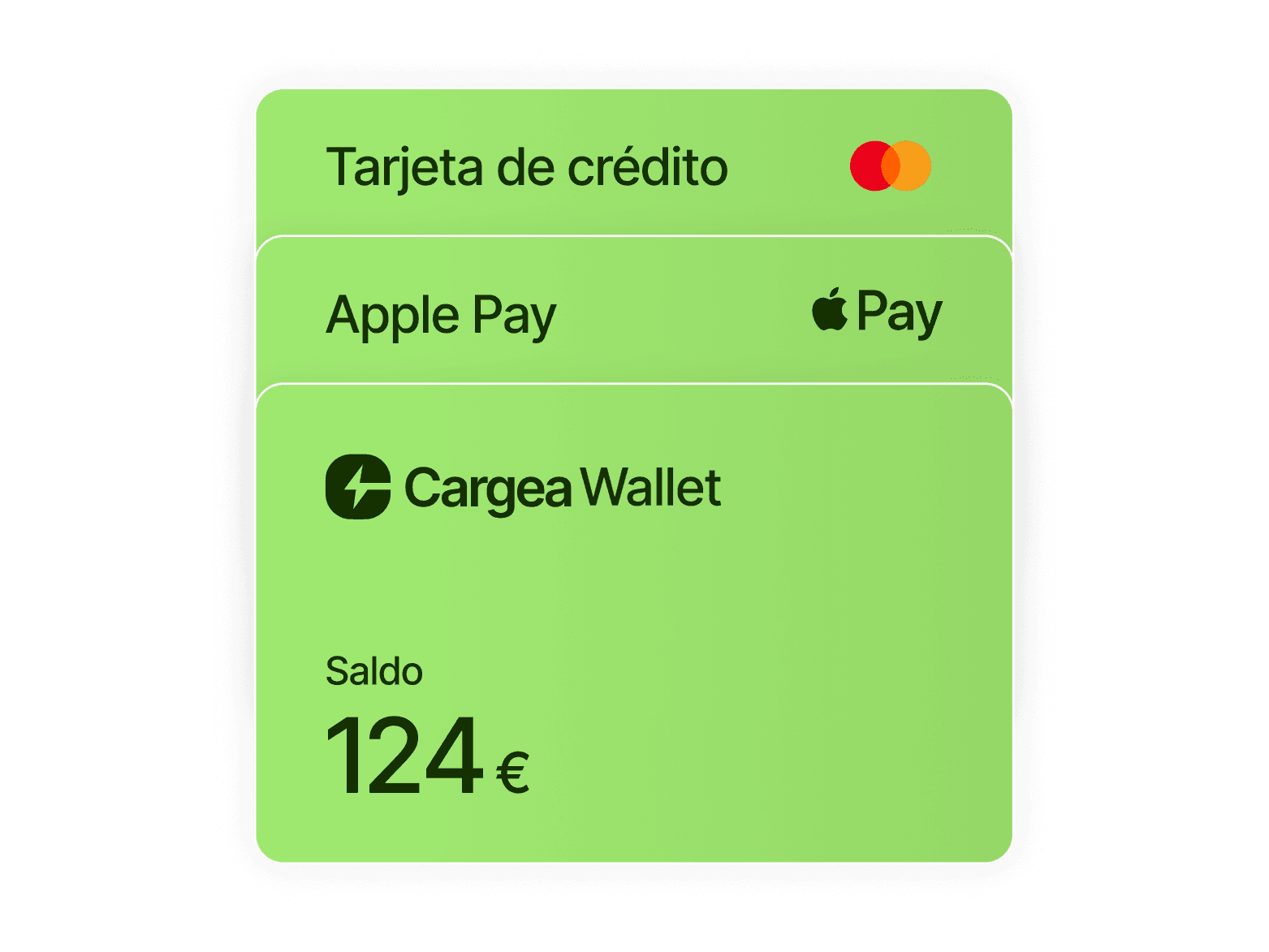
Pay your way
Choose your preferred payment method to start the charge: credit card, Apple Pay, Google Pay and many more.
3. Manage your charge
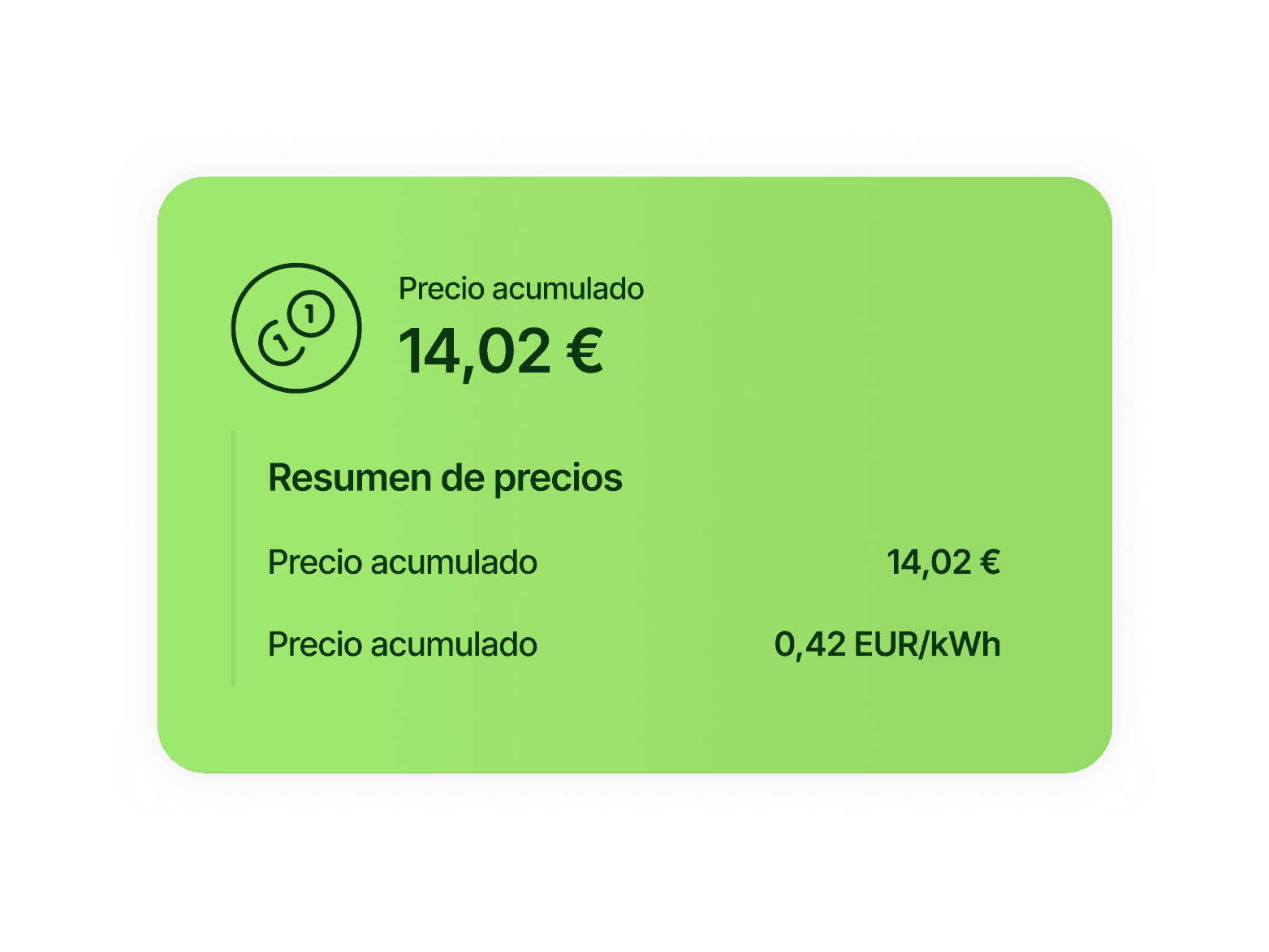
Transparent pricing
Know the price breakdown before you charge: tariff, fee and who sets it. No hidden charges, no subscription costs.
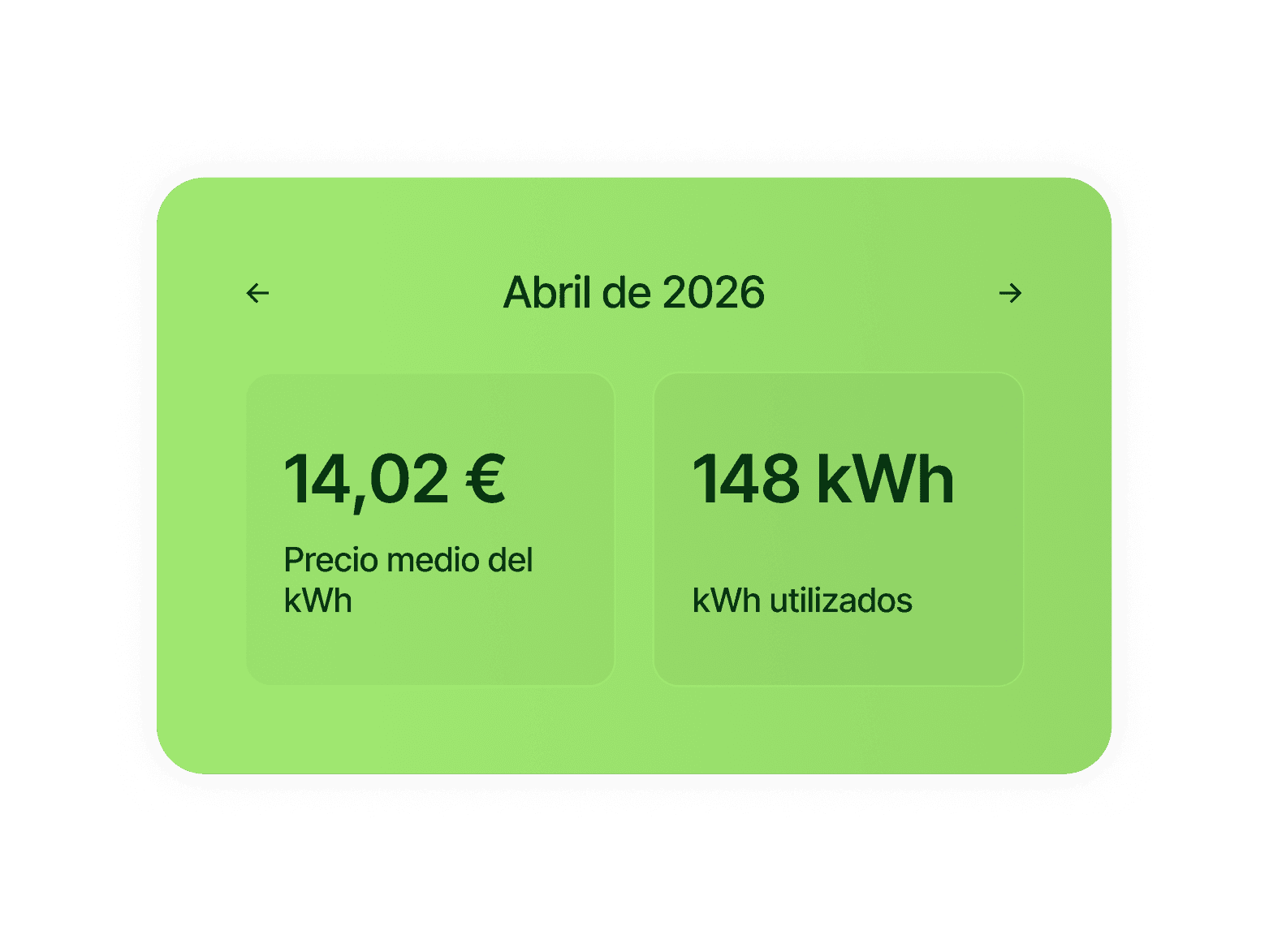
Track your payments
Keep track of every charging session and payment in one place, with your full history always at hand.
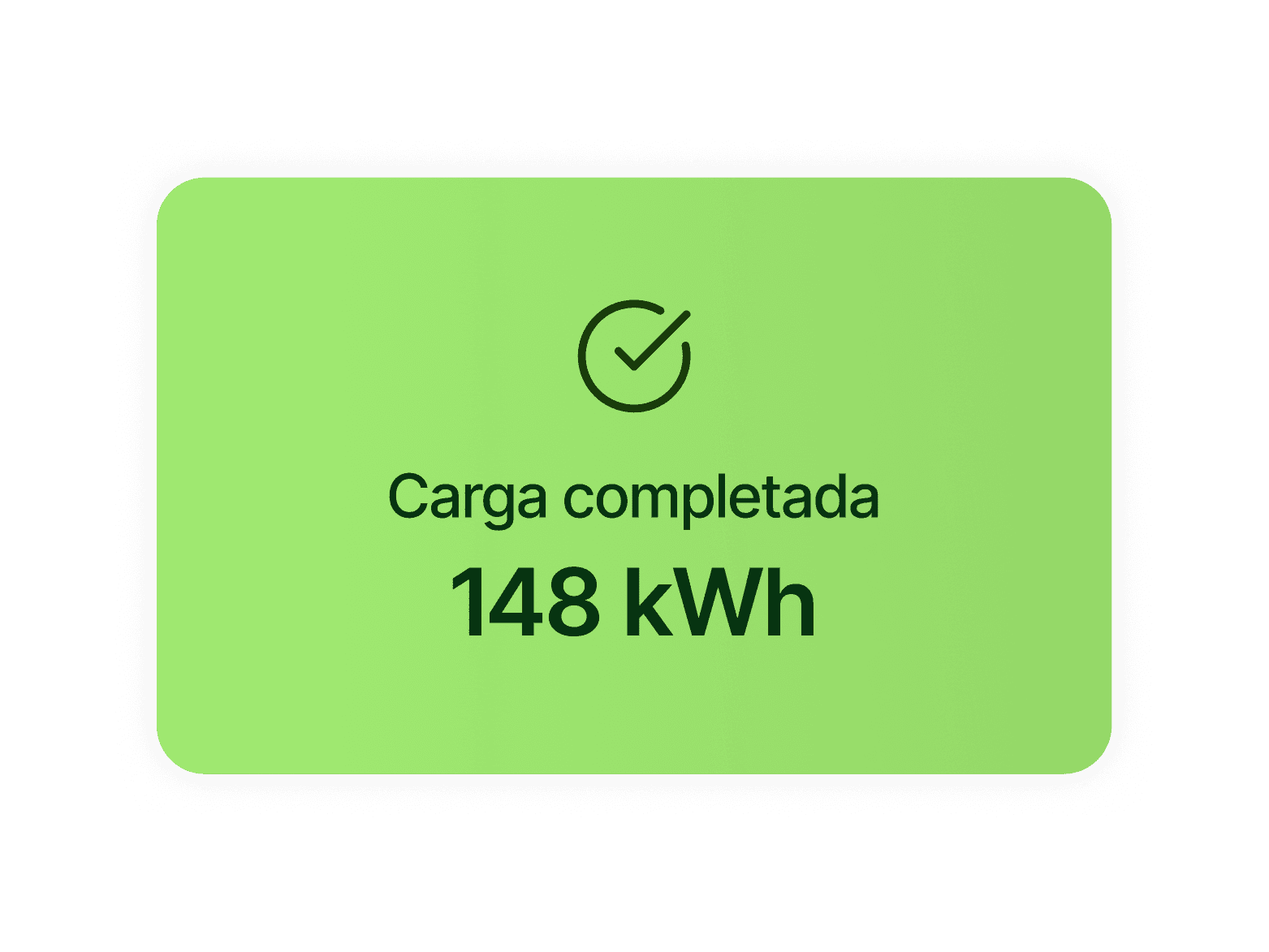
Receipts and invoices
Easily export any receipt or invoice and never worry about losing them again.
Use the map
Locate any of the 80,000+ public charging points on the Cargea map and start navigation with Google Maps or Apple Maps.
Filter the points
Filter by availability, charging speed (kW), price, operator and the connector type compatible with your car.
Check availability
See in real time whether a charger is free, in use or out of service before you leave home.
Electric car chargers all across Spain and Europe
Cargea works in Spain, Portugal, France, Germany, Italy and other European countries. Find charging points in any city, without switching apps when you cross the border.
Cities with the most charging points:
What our users ask
Scan the charger's QR code or select it on the map in the app, plug in your car and tap 'Start charging'.
Payment is made automatically when the session ends using your saved payment method: credit card, Apple Pay or Google Pay. No RFID cards needed, no signing up to each operator.
Yes, you need to create a free Cargea account. Registration takes less than a minute: you just need an email address and a payment method.
Go to Settings > Payment methods in the app and add your credit or debit card. You can also use Apple Pay or Google Pay if already set up on your device.
The app map shows the real-time status of every charger: available (green), in use (red) or out of service (grey). You can check availability before leaving home.
The reservation feature is available at selected chargers. When available, you'll see a 'Reserve' option on the charger detail page.
Check that the cable is properly connected and that the QR you scanned matches the connector you're using. If the problem persists, you can contact support from within the app in under 2 minutes.
All your charging sessions and invoices are available in the 'History' section of the app. You can download each invoice as a PDF for expenses or reimbursement.
Each operator sets their own pricing. It may be per kWh consumed, per minute of charging, or a flat session fee. Cargea shows you the exact price before starting so there are no surprises.
Some operators charge a per-minute fee if your car remains plugged in after charging has finished. Cargea notifies you when your charge is complete so you can unplug in time.
Yes. With Cargea you can list your home charger and make it available to other users when you're not using it. You set the price and available hours.
Yes. Every time another user charges at your point, you'll receive the amount you've set, directly to your account. Cargea handles payment and invoicing automatically.
You can reach us from within the app at Settings > Help, by email at support@cargea.com, or via the real-time chat available in the app.
Ready to improve the charging experience?
We'll get back to you within 24 hours